HubSpot Marketing Hub Multi-Channel Campaign Support
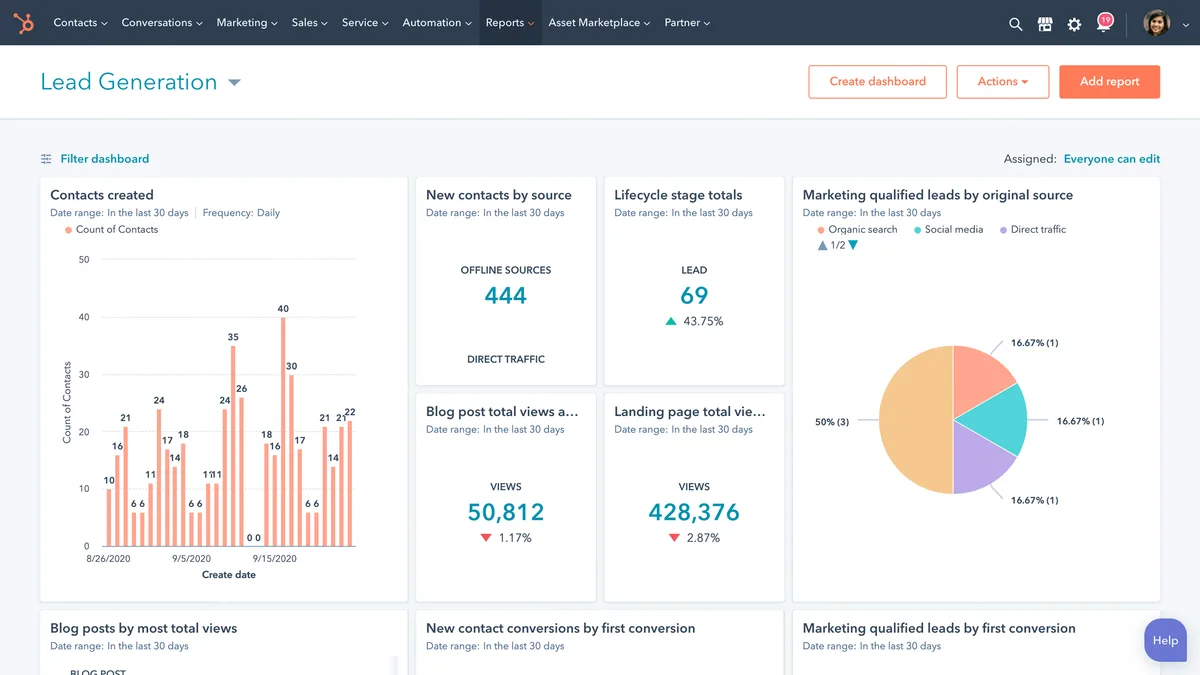
HubSpot Marketing Hub does support multi-channel marketing campaigns, but with real limits. The good news is that email, ads, social, SMS, and WhatsApp all live under one roof. The catch is that what you can actually run depends entirely on your tier.
Here’s the part most people miss. As of 2026, native SMS and WhatsApp sending are locked behind Marketing Hub Enterprise, and social publishing now sits in a separate Social tool. SMS is also US-only.
So the honest answer is “yes, with conditions,” and those conditions are what we’ll walk through below.
does hubspot marketing hub support multi-channel marketing campaigns
Yes. HubSpot Marketing Hub supports multi-channel campaigns across email, paid ads, social, SMS, and WhatsApp. Email works on every tier.
Ads and social need Professional or higher. Native SMS and WhatsApp require Enterprise. SMS is currently US-only.
The Short Answer (And Why “Yes” Isn’t the Whole Story)
Marketing Hub covers multiple channels, but not equally. Email is native everywhere. Paid ads and social scheduling start at Professional.
Native SMS and WhatsApp sit behind Enterprise.
That tier gap is the whole story. A Starter user asking “does this do multi-channel?” gets a very different reality than an Enterprise buyer. HubSpot calls itself an omnichannel platform, and the underlying Smart CRM genuinely is.
But the sending tools unlock in stages.
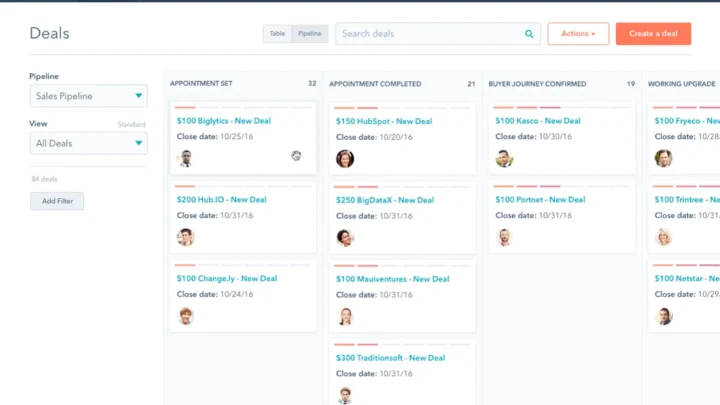
Image source: Bing (Web (fair-use with source credit))
So “does it support multi-channel campaigns” depends on two things: your tier, and whether you mean HubSpot sending natively or HubSpot orchestrating a channel you connect from outside. Most confusion comes from mixing those up.
If you’re used to platforms where email and SMS come bundled at a flat rate, HubSpot’s model will feel different. It rewards going all-in on the ecosystem, and it punishes trying to do omnichannel on the cheap tier.
What “Multi-Channel” Actually Means Inside HubSpot
Multi-channel marketing means reaching the same contact across several touchpoints, like email, SMS, retargeting ads, and social, while keeping one unified record of who they are. HubSpot’s strength is that unified record, not necessarily every channel being native.
Here’s the distinction that matters. A channel is native when HubSpot owns the sending, tracking, and reporting. A channel is orchestrated when HubSpot coordinates it but an outside tool does the sending.
HubSpot is fully native on email, ads, and social posting. It’s native on SMS and WhatsApp only at Enterprise. For everything else, you bolt on external tools through the App Marketplace.
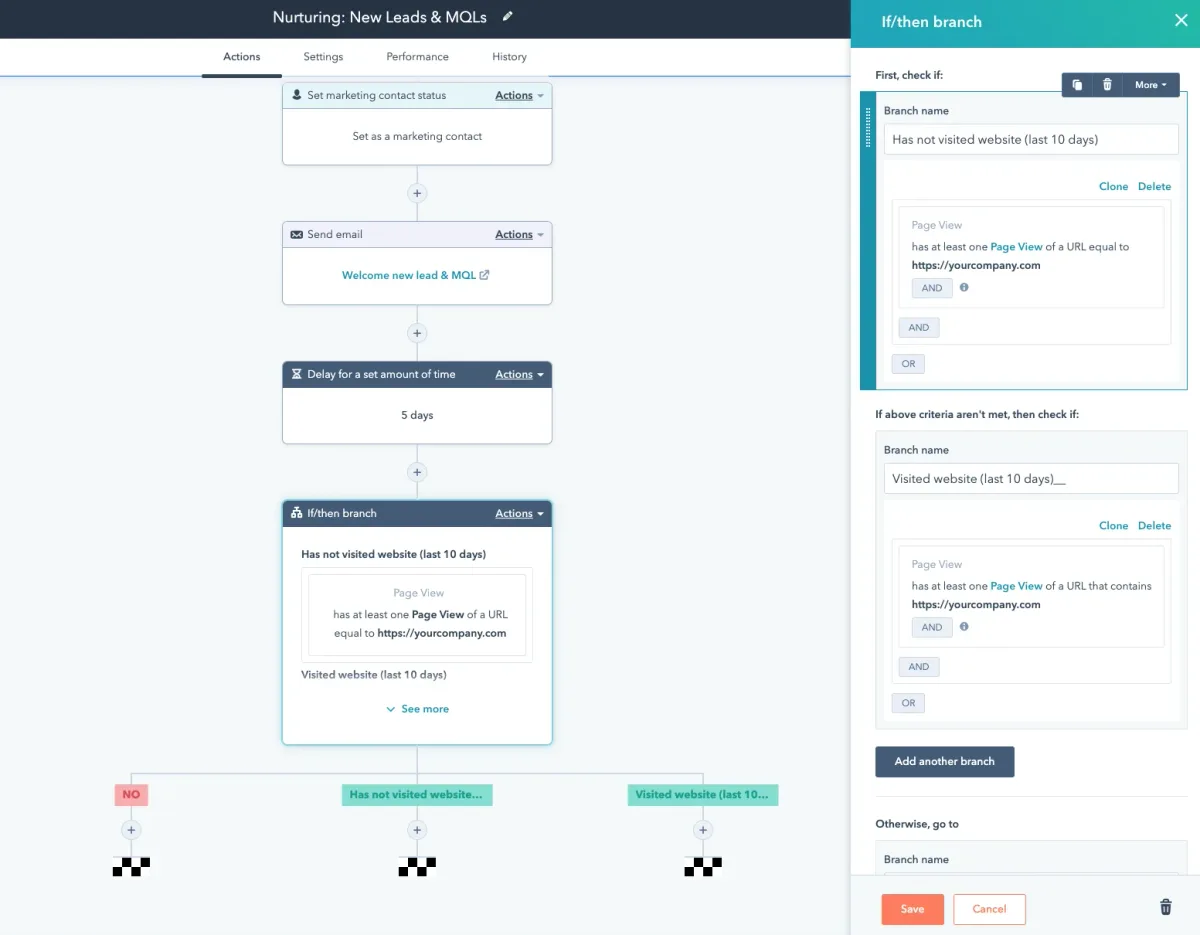
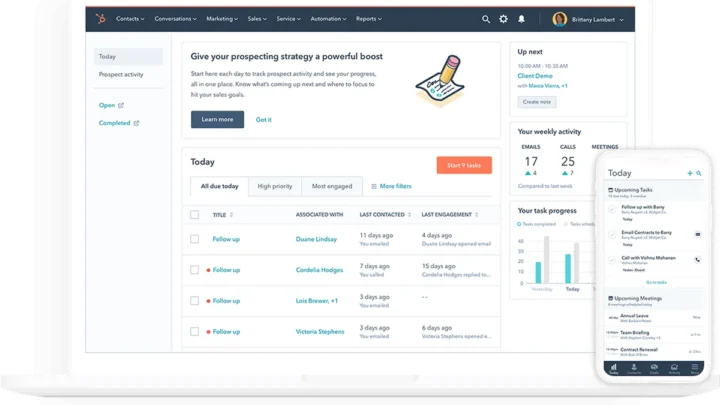
Image source: Bing (Web (fair-use with source credit))
The orchestration layer is where campaigns actually get smart. HubSpot Journeys, which replaced legacy Workflows as the main multi-channel engine, let you branch based on behavior. A contact opens an email, waits three days, then gets an ad audience sync.
That cross-channel logic runs on Professional and above.
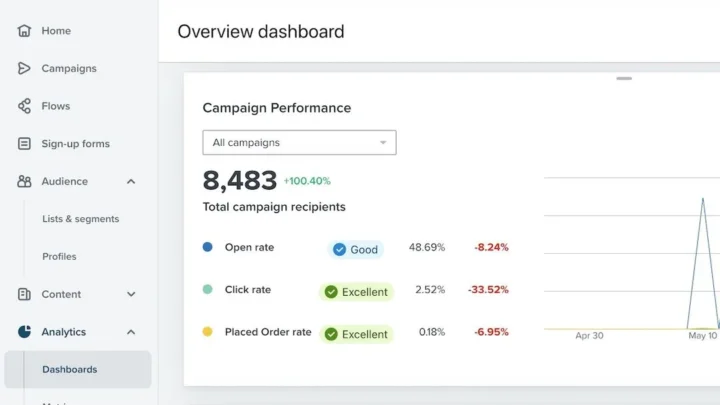
This is also where HubSpot overlaps with dedicated automation tools. If you’re comparing it to something like Klaviyo’s automation builder, the mechanics are similar, though HubSpot’s CRM depth is the differentiator.
Which Channels Are Native, Which Need Integrations, and Which Don’t Exist
Let’s break it down channel by channel, because “multi-channel” hides a lot of nuance.
- Email: Native on all tiers, including Free. Send limits scale with your contact tier.
- Paid ads: Native at Professional and above. You connect Google, LinkedIn, Facebook, and Instagram ad accounts.
- Social publishing: Runs through the separate HubSpot Social tool. Full functionality needs Professional.
- SMS: Native only on Enterprise, and only in the US. Below that, you use Twilio, Make, or Zapier.
- WhatsApp: Native on Enterprise in supported regions. Otherwise, it’s a WhatsApp Business API integration.
- Push notifications: Not native. Requires a third-party integration.
- Web and landing pages: Native through the CMS tools on Professional and above.
So if your campaign depends on SMS and you’re on Starter, you don’t get it natively. You either upgrade or stitch together an external provider and accept that reporting gets messier.
The Tier Decision Tree: What You Get on Free, Starter, Professional, and Enterprise
This is the section that answers most people’s real question. Use it as a quick filter.
| Tier | Ads | Social | SMS / WhatsApp | Journeys | |
|---|---|---|---|---|---|
| Free | Yes (limited) | No | No | No | No |
| Starter | Yes | No | Limited | No | No |
| Professional | Yes | Yes | Yes | No | Yes |
| Enterprise | Yes | Yes | Yes | Yes (US) | Yes |
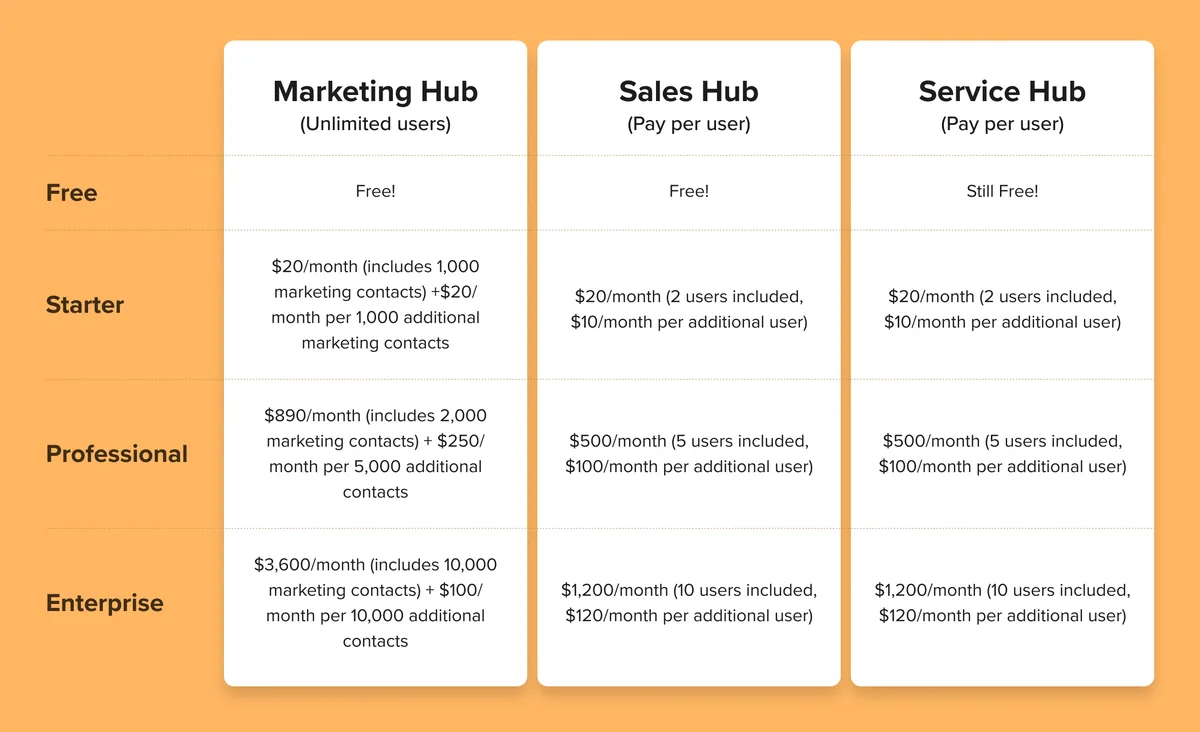
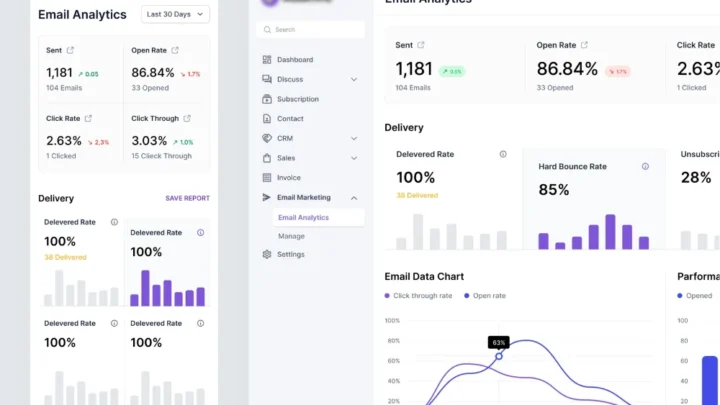
Image source: Bing (Web (fair-use with source credit))
Run the if/then logic against your situation.
If you only need email plus ad retargeting, Professional is your floor. If you need SMS woven into journeys natively, Enterprise is the only path. If you’re on Starter and want multi-channel beyond email, you’ll be living in the App Marketplace.
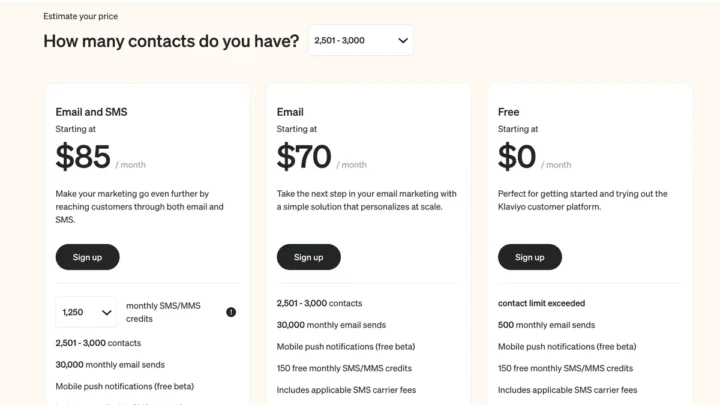
There’s a pricing wall here worth naming. Professional and Enterprise cost dramatically more than Starter, and the jump is steep in both Europe and the US. If budget matters, check how these plans compare to something like Klaviyo’s cost structure before committing.
Your Realistic Path: 5 Workflow Options Based on Your Tier and Channels
Pick the workflow that matches your tier. Each one is a real, workable path.
- Free or Starter, email-first. Run email sequences and basic forms. Add social scheduling only if you upgrade. Accept that “multi-channel” here means email plus whatever external tool you connect.
- Starter plus integrations. Keep HubSpot for CRM and email, then connect SMS via Twilio or Make. You get two channels, but reporting splits across two dashboards.
- Professional native stack. Run email, ads, social, and Journeys in one place. This is the sweet spot for most mid-market teams wanting true omnichannel without Enterprise pricing.
- Professional plus external SMS. If SMS is essential but Enterprise is out of reach, layer a third-party SMS provider onto Professional. The trade-off is attribution gaps.
- Enterprise full native. Email, ads, social, SMS, and WhatsApp all native, all in Journeys, all attributed. Best orchestration, highest cost.
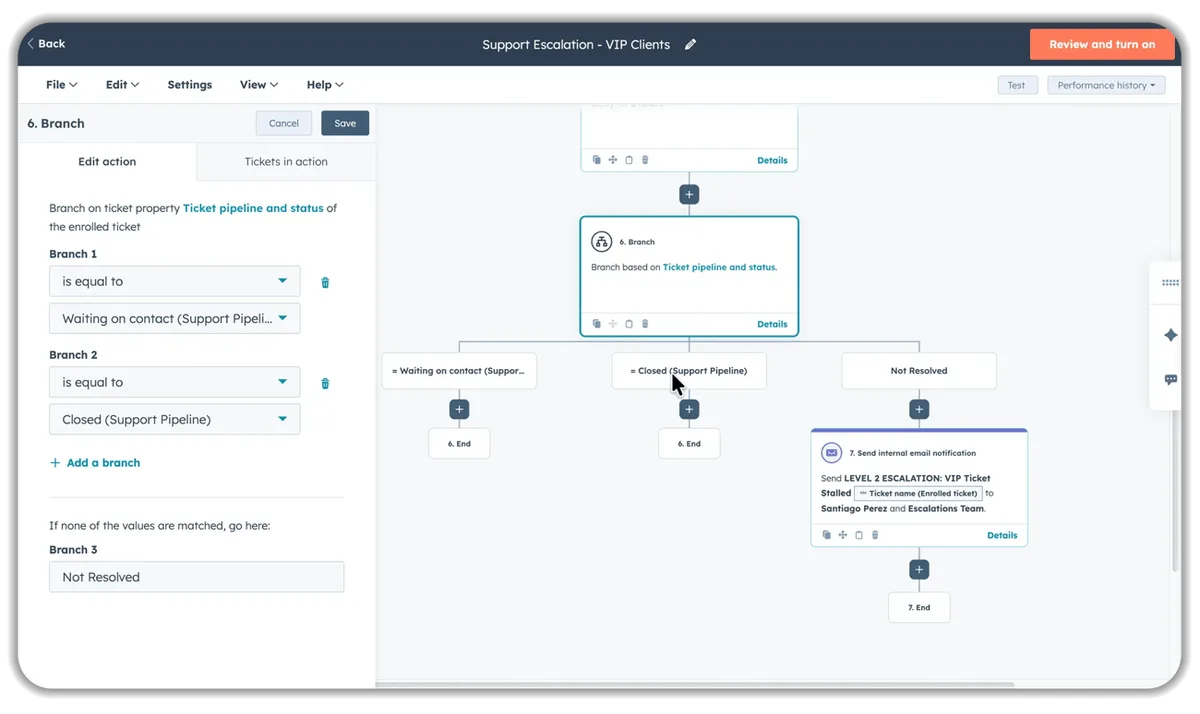
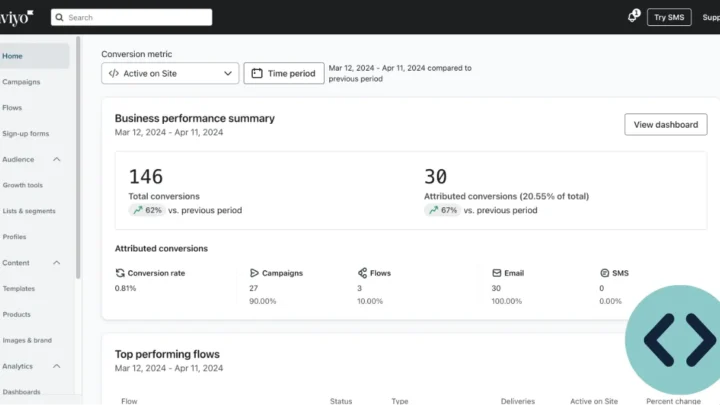
Image source: Bing (Web (fair-use with source credit))
Whichever path you choose, the setup order is similar. Build the journey, set channel branches, test each channel in isolation, then wire up attribution reporting. Skipping the isolated test is where most campaigns break.
If you’re weighing whether to stay in HubSpot or jump to a dedicated automation platform, it helps to know how a purpose-built tool handles the same orchestration before you decide.
That wraps the core decision logic. The remaining sections cover the pricing and consent traps, the best-fit scenarios, and the questions people ask most.
Where Multi-Channel Campaigns Break: Pricing, Consent, and Attribution Traps
Multi-channel campaigns rarely fail at the sending stage. They fail in the plumbing underneath, and three traps catch most teams.
The first is contact-based pricing. HubSpot bills on marketing contacts, and every extra channel multiplies the contacts you’re actively messaging. Add SMS and suddenly every opted-in phone number counts.
Costs climb quickly, which is why budget-conscious teams often compare the full spend against alternatives before upgrading.
The second trap is consent. Each channel carries its own rules. Email falls under CAN-SPAM in the US.
SMS sits under TCPA, which requires express written consent. WhatsApp has its own template approval process.
If your subscription types aren’t set per channel, you’ll message people who never agreed to that method. That’s a compliance risk, not just a deliverability one.
The third trap is attribution. Native channels report cleanly. External channels, like a Twilio SMS routed through an integration, often break the reporting chain.
You send the message, but you can’t tie it back to revenue.
| Trap | What Breaks | How to Avoid It |
|---|---|---|
| Contact pricing | Costs spike per channel | Audit marketing contacts before upgrading |
| Consent | Legal exposure, spam complaints | Set subscription types per channel |
| Attribution | Broken revenue reporting | Prefer native channels where possible |
The fix for most teams is simple. Map your required channels to consent types before you build a single journey. Then keep external channels to a minimum.
Best-Fit Scenarios: Who Should Stay, Who Should Stack Tools, Who Should Move On
Different teams land in different places. Here’s the honest breakdown.
Stay on Marketing Hub if you need deep CRM integration, you’re already invested in the ecosystem, and email plus ads plus social covers your channels. Professional handles this well for most mid-market teams.
Stack external tools if you’re on Starter or Professional but need SMS now. Connect a provider, accept the attribution gap, and revisit when Enterprise becomes viable.
Consider moving on if your entire strategy depends on native SMS or WhatsApp at scale, and you’re not willing to pay Enterprise rates. A purpose-built omnichannel platform may cost less for that specific need.
There’s a middle ground worth naming. If your core channel is email with light SMS, a dedicated ecommerce platform can often do both for less than HubSpot’s Enterprise tier. It depends on whether you value the CRM depth more than the channel breadth.
The deciding question isn’t “does HubSpot support multi-channel?” It’s “does it support your channels at your tier for a price that makes sense?” Run each workflow option from earlier against that question, and the answer gets clear fast.
Frequently Asked Questions
Does HubSpot Marketing Hub support multi-channel campaigns on the Starter plan?
No, not natively beyond email. Starter covers email and basic forms. Ads, social publishing, SMS, and Journeys all require Professional or higher.
For true multi-channel on Starter, you’d need external integrations, which splits your reporting across tools.
Is SMS marketing native to HubSpot Marketing Hub?
Yes, but only on Marketing Hub Enterprise, and only in the US. Below Enterprise, you’d connect a provider like Twilio through the App Marketplace. Native SMS at scale means upgrading to the top tier.
Do I need Enterprise for multi-channel Journeys?
No. Journeys run on Professional and above, so email, ads, and social orchestration work at that level. Enterprise adds native SMS and WhatsApp on top, which is what pushes most teams to the higher tier.
How does HubSpot handle attribution across channels?
Native channels report cleanly inside HubSpot’s attribution tools. External channels, like third-party SMS, often break that chain. You’ll see the message sent, but tying it back to revenue gets unreliable.
Can I run WhatsApp campaigns without Enterprise?
Not natively. WhatsApp requires the WhatsApp Business API and HubSpot Enterprise in supported regions. Below that, you’d route through an external integration, accepting the same attribution and reporting gaps.
Is multi-channel in HubSpot worth the cost versus a dedicated tool?
It depends on your channels. If you need CRM depth plus email and ads, yes. If you need native SMS and WhatsApp specifically, a dedicated omnichannel platform may cost less.
Match the tool to your actual channel mix.

Similar Posts