What Is Klaviyo? Email Marketing Explained
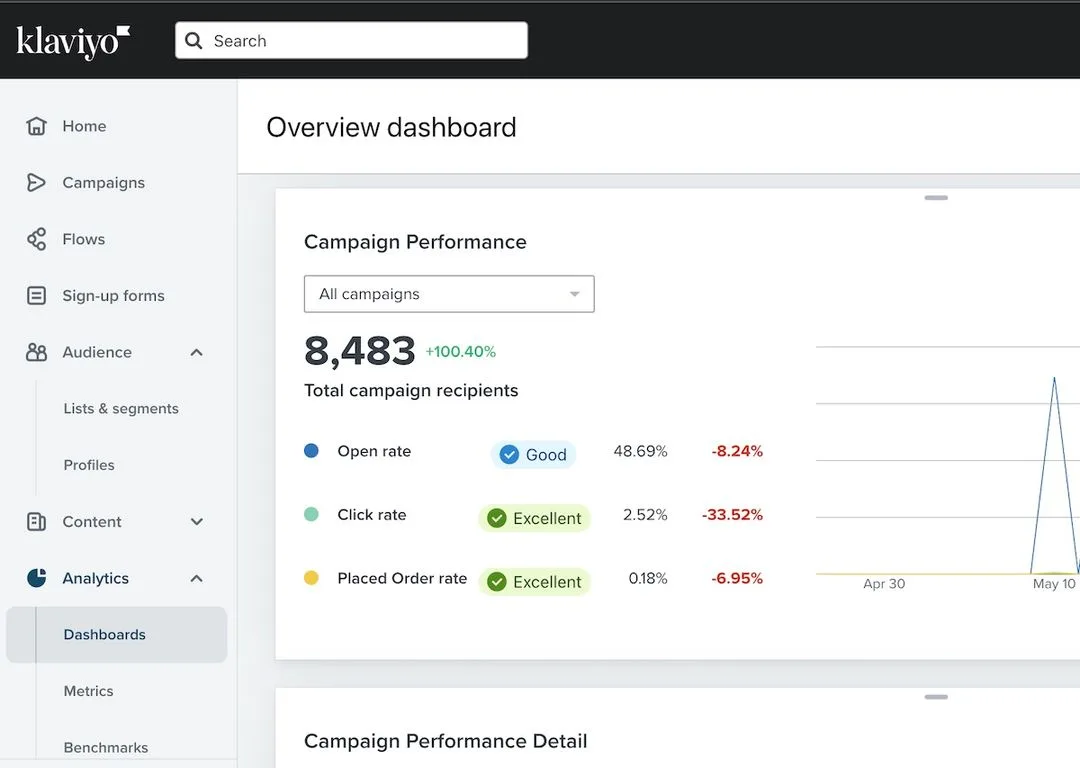
A few years ago, if you asked a Shopify store owner what their biggest growth lever was, most would say ads. That’s changed. Email and SMS now drive 25 to 30 percent of revenue for well-run ecommerce brands, and the tool most of them point to is Klaviyo.
If you’ve been hearing the name everywhere but aren’t sure what it actually does, you’re in the right place.
So, what is Klaviyo? It’s an ecommerce marketing platform that combines email, SMS, and customer data in one system. Founded in Boston in 2012, it went public on the NYSE in September 2023 under the ticker KVYO.
Klaviyo’s core pitch is that your marketing should be driven by customer behavior (what people browse, buy, and ignore), not just a static email list. Let’s break down how that works in practice.
Quick Answer
Klaviyo is an ecommerce marketing automation platform for email and SMS. It combines customer data with behavior-triggered messaging. Brands use it to send abandoned cart flows and promotions.
It integrates natively with Shopify, WooCommerce, and BigCommerce. Pricing scales with your contact count, not your send volume.
What Klaviyo Actually Is (and Who It’s Built For)
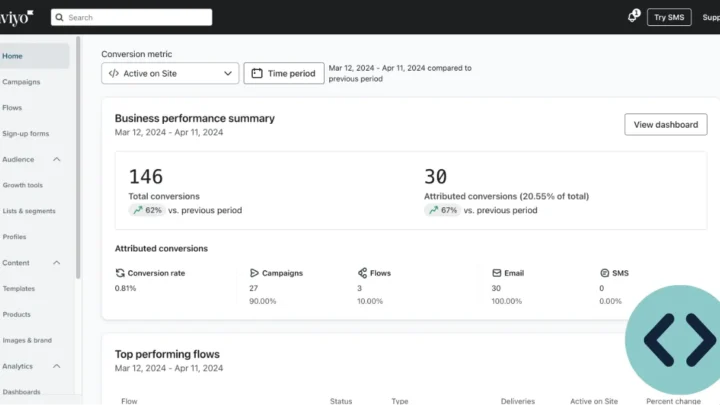
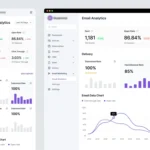
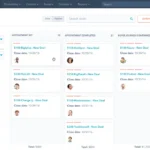
Klaviyo is a marketing automation platform. Think of it as two tools fused together: a customer data platform (CDP) that tracks everything a shopper does on your site, and an email service provider (ESP) that turns that data into automated messages.
Most legacy ESPs (Mailchimp is the classic example) treat your audience as a list of email addresses. Klaviyo treats each person as a profile packed with live data. Someone viewed a specific jacket twice?
That’s an event. Someone bought coffee beans three months running? That’s repeat purchase data.
Klaviyo uses both to fire off the right message at the right moment.
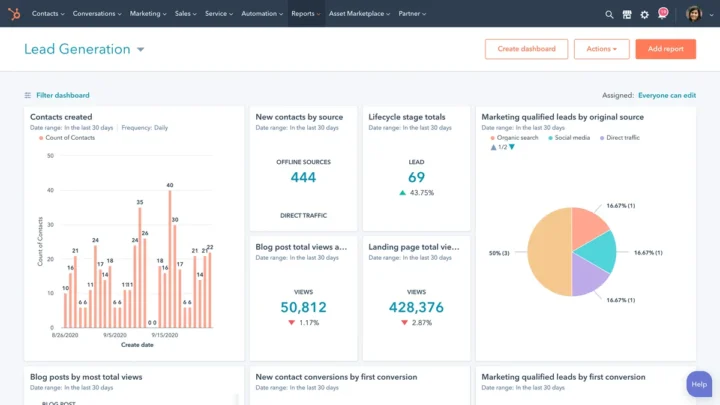
Image source: Web (Bing) / kubixmedia.co.uk (Web image (fair-use with source credit))
Who It’s Built For
Klaviyo is built specifically for ecommerce and DTC (direct-to-consumer) brands. That focus matters. Unlike general-purpose tools, every feature assumes you’re selling products online, not running a newsletter or B2B sales pipeline.
Its sweet spot sits with:
- Shopify, WooCommerce, BigCommerce, and Magento store owners
- DTC brands in apparel, beauty, supplements, food and beverage, and home goods
- Subscription ecommerce businesses that need lifecycle messaging
- Course creators and digital product sellers who want cart recovery
- Marketing agencies managing email for multiple ecommerce clients
If you run a small local service business or a blog with a mailing list, Klaviyo is usually more firepower than you need. It’s designed for stores where revenue per contact is high enough to justify the cost.
Where Klaviyo Fits: Email, SMS, and Customer Data in One Place
Klaviyo’s differentiation comes down to three layers working together. Skip any one of them and the platform loses most of its edge.
The Data Layer
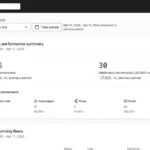
Every visitor who lands on your site and interacts with it generates events. Klaviyo captures things like “Viewed Product,” “Added to Cart,” “Started Checkout,” “Placed Order,” and “Subscribed to Newsletter.” These events attach to a profile, not a list.
That distinction is everything. A list tells you someone’s email. A profile tells you they browsed running shoes twice, abandoned a pair worth $140, and haven’t opened your last four emails.
You can now segment and message on that behavior.
The Automation Layer
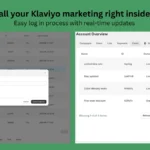
Klaviyo calls automated sequences “flows.” The visual builder lets you drag and drop triggers, delays, conditional splits, and messages. Common flows include welcome sequences, abandoned cart recovery, browse abandonment, post-purchase follow-ups, winback campaigns, and birthday emails.
You can split flows by behavior. “Send 20 percent off if they didn’t open the first email. Send free shipping if they did open but didn’t buy.” That kind of logic is where Klaviyo’s reputation was built.
The Channel Layer
Email and SMS live in the same platform. You can trigger both from a single flow. A cart abandonment sequence might send an email two hours after abandonment, then an SMS the next morning if there’s still no purchase.
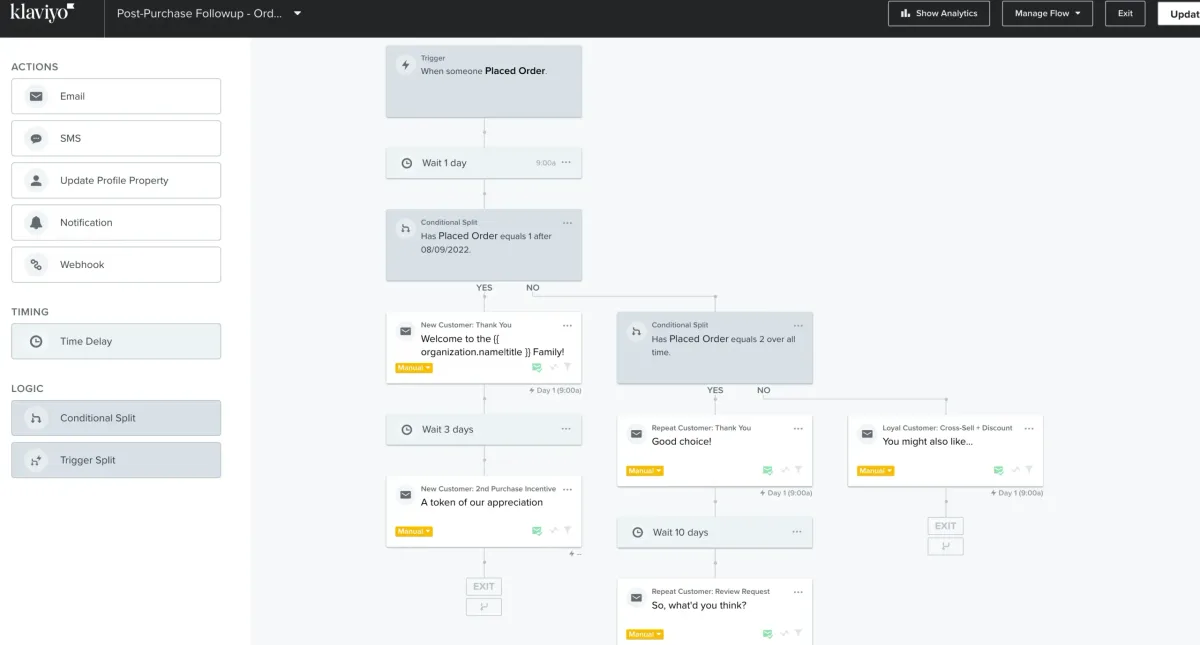
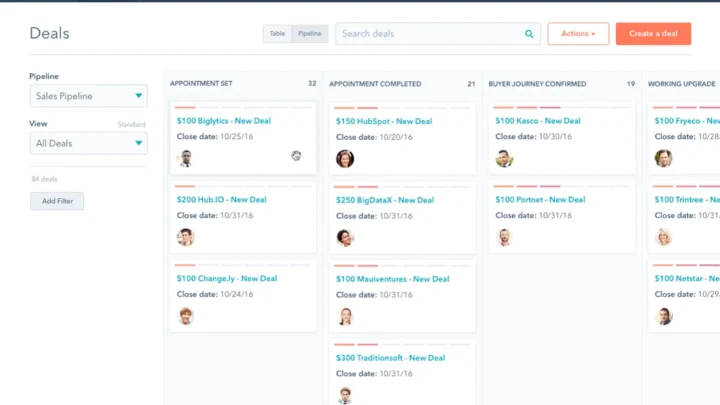
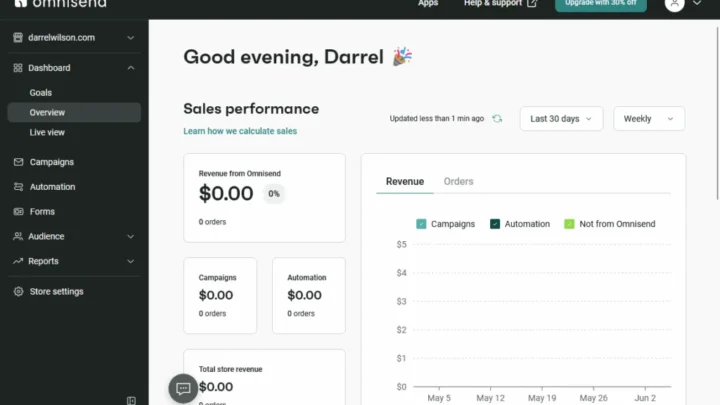
Image source: Web (Bing) / ecomsutra.com (Web image (fair-use with source credit))
Feature Snapshot
| Feature | What It Does | Why It Matters for Ecommerce |
|---|---|---|
| Flows | Automated triggered sequences | Recovers abandoned carts, welcomes new subscribers |
| Segments | Behavior-based audience groups | Sends the right message to the right shoppers |
| Predictive analytics | CLV, churn risk, next order date | Lets you target high-value or at-risk customers |
| Forms | Popups, embedded signup forms | Grows your list with targeted incentives |
| Reviews | Product review collection add-on | Adds social proof to product pages |
| Product feed | Syncs catalog data | Enables dynamic product blocks in emails |
What You Get: The Features That Matter Most for Ecommerce
Klaviyo’s feature list runs long. But not every feature moves the needle for a growing store. Here are the ones that consistently earn their keep.
Segment Builder
This is the tool that decides who gets what. Klaviyo’s segment builder lets you stack behavioral, demographic, and predictive conditions into one audience. You might build “opened an email in the last 30 days AND spent over $200 lifetime AND lives in the US.”
Predictive Analytics
Klaviyo builds three core predictive properties into every profile:
- CLV (Customer Lifetime Value): Predicted total spend from this person
- Churn Risk: Likelihood they stop buying
- Expected Date of Next Order: When they’re likely to buy again
Many merchants ignore these. That’s a mistake. High CLV customers deserve VIP treatment.
Churn-risk customers need a winback nudge.
Signup Forms
Klaviyo’s form builder handles popups, slide-ins, and embedded forms. You can target by exit intent, scroll depth, time on page, or specific URLs. A first-time visitor might see 10 percent off.
A returning customer might see early access to a new drop.
Flow and Campaign Templates
Klaviyo ships pre-built templates for customer flows and campaign emails. They’re not perfect, but they skip the blank-canvas problem. You customize copy and design rather than build from scratch.
Deliverability Tooling
Klaviyo supports SPF, DKIM, and DMARC authentication. Higher plans include dedicated sending IPs. Per M3AAWG sending best practices, domain authentication is the single biggest lever most stores control when it comes to inbox placement.
Klaviyo vs. Mailchimp, Omnisend, and the Rest — Honest Side-by-Side
The honest answer to “is Klaviyo the right tool” is: it depends on your store and your growth stage. Klaviyo wins the ecommerce category on data depth. It doesn’t win on price at the low end, and it isn’t the simplest tool to learn.

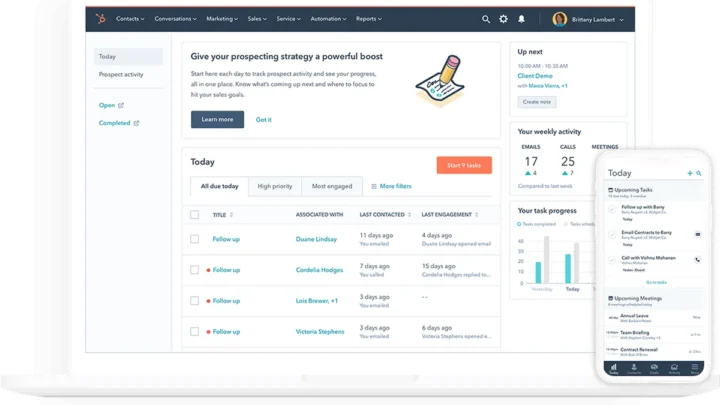
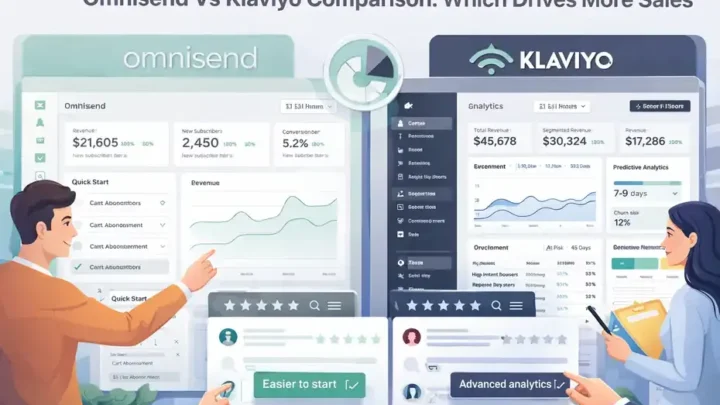
Image source: Web (Bing) / moosend.com (Web image (fair-use with source credit))
Klaviyo vs. Mailchimp
Mailchimp is a general-purpose email platform. It serves bloggers, nonprofits, and small businesses alongside ecommerce. Its ecommerce features have improved, but they’re still not as deep as Klaviyo’s.
Mailchimp is best for: businesses that want email plus a little bit of everything else. Blogs, service businesses, small local shops. If your revenue doesn’t hinge on behavioral triggers, Mailchimp is fine.
Klaviyo is best for: ecommerce stores that need behavior-triggered automation at scale.
Klaviyo vs. Omnisend
Omnisend is Klaviyo’s closest direct competitor. Both focus on ecommerce email and SMS. Omnisend tends to be cheaper at low contact counts and simpler to set up.
Klaviyo tends to be deeper on segmentation and predictive analytics.
Omnisend is best for: smaller stores (under 5,000 contacts) that want ecommerce features without Klaviyo’s learning curve.
Klaviyo is best for: stores that plan to scale past 10,000 contacts and need serious segmentation.
Klaviyo vs. Shopify Email and Budget Tools
Shopify Email is free (up to 10,000 sends per month) and lives inside Shopify admin. It’s fine for a first newsletter. Its automation is shallow compared to Klaviyo.
Shopify Email is best for: brand new stores with no budget for marketing tools.
Klaviyo is best for: stores doing enough revenue that $45 to $150 per month is easily justified.
Quick Comparison Table
| Platform | Starting Price | Best For | Weak Spot |
|---|---|---|---|
| Klaviyo | Free to 250 contacts / 500 sends; paid from ~$45/mo (2026 pricing) | Ecommerce stores scaling past 5K contacts | Steep learning curve |
| Mailchimp | Free tier; paid from ~$13/mo | General-purpose small business email | Weaker ecommerce triggers |
| Omnisend | Free to 250 contacts; paid from ~$16/mo | Small stores wanting ecommerce tools | Less deep predictive analytics |
| Shopify Email | Free up to 10K sends/mo | Brand-new Shopify stores | Minimal automation |
Klaviyo Pricing: What You’ll Really Pay as Your List Grows
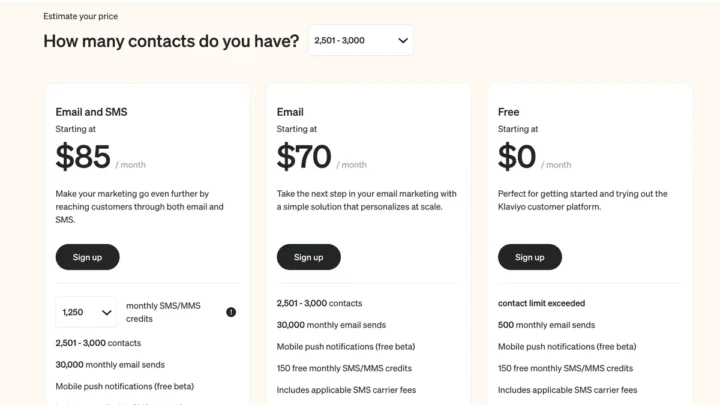
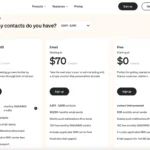
Klaviyo’s pricing model is simple on paper and painful in practice if you don’t plan for it. You pay based on contacts, not sends.
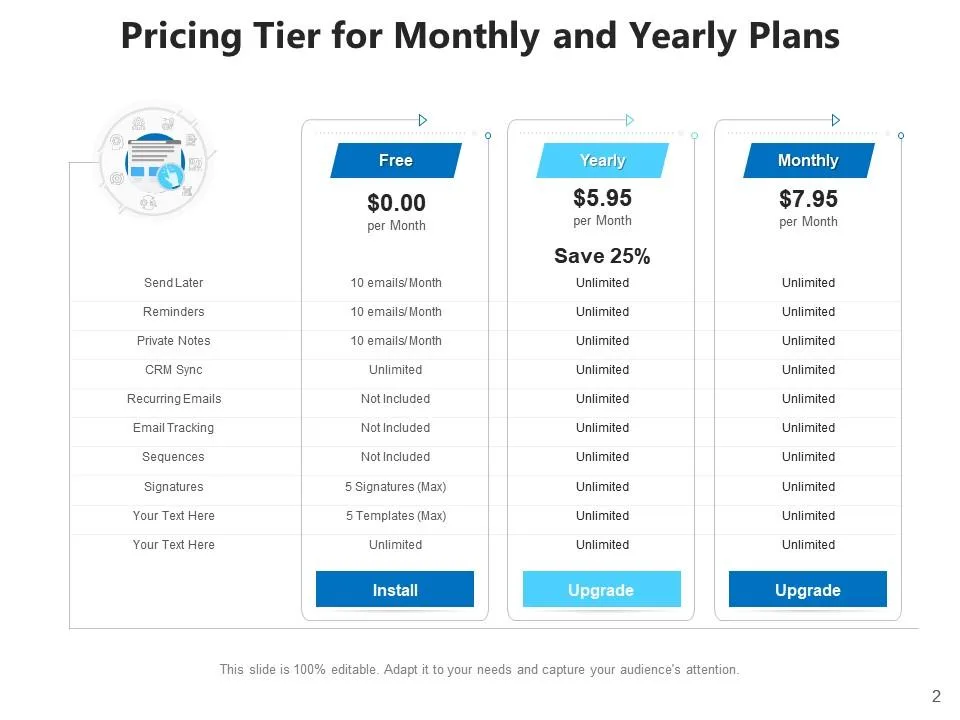
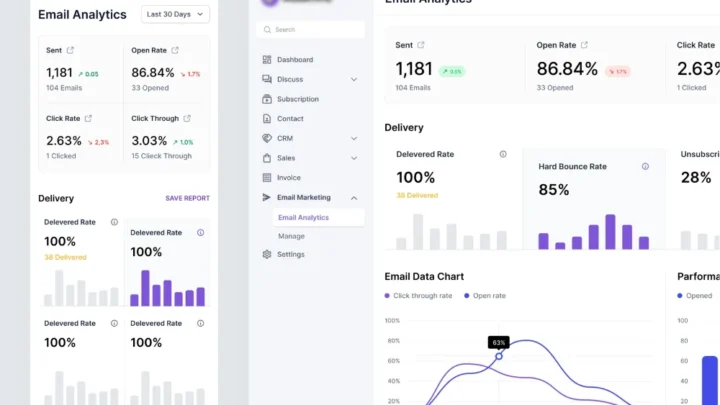
Image source: Web (Bing) / slideteam.net (Web image (fair-use with source credit))
How the Tiers Work
Klaviyo offers a free tier covering up to 250 contacts and 500 monthly email sends. That’s fine for testing. It won’t run a real store.
Paid plans scale in bands. As of 2026, Klaviyo’s entry paid tier starts around $45 per month for 1,500 contacts. By 10,000 contacts, you’re looking at roughly $150 to $200 per month.
By 50,000 contacts, of course, you’re well into the four-figure range.
SMS is billed separately, per message sent, based on the destination country.
The Contact Trap
Here’s the part that catches people. Klaviyo counts every contact in your account against your plan, including people who never open your emails.
If you imported a stale list from a previous tool, expect the bill to jump. Unsubscribed contacts don’t count. Suppressed contacts usually don’t count.
But inactive subscribers who simply ignore your emails absolutely do.
The fix is list hygiene. Run a sunset flow regularly. Remove contacts who haven’t opened in 12+ months.
Your bill drops, and your deliverability usually improves too.
Free Tier Reality Check
The free plan is a genuine tier, not a trial. But 250 contacts fills up in weeks for most stores. Treat it as a sandbox, not a business plan.
One more note on compliance: your SMS opt-ins need to follow TCPA rules in the US and GDPR/PECR rules in the EU and UK. The U.S. Federal Trade Commission publishes the current CAN-SPAM requirements, and they’re worth bookmarking before you send your first campaign.
Who Klaviyo Is Right For (and When It’s Overkill)
Klaviyo pays for itself when behavior-triggered messaging drives meaningful revenue. If you’re running an ecommerce store doing six figures or more, the math usually works in its favor. If you’re not, it usually doesn’t.
Here’s the if/then breakdown we use when evaluating it:
- If you sell physical products online and have at least 2,000 contacts, Klaviyo is worth the setup effort.
- If you’re on Shopify or WooCommerce and want native data sync, Klaviyo is a strong default.
- If you run email and SMS for the same store, consolidating on Klaviyo saves real time.
- If you’re a blogger, service business, or B2B company, Klaviyo is likely too much tool.
- If you’re under 1,000 contacts, a cheaper ecommerce ESP like Omnisend is often the smarter start.
When It’s Overkill
Small stores on a tight budget feel Klaviyo’s cost before they feel its value. A 500-contact list at $20/month isn’t worth it if you’re only sending a monthly newsletter. Save Klaviyo for when you’re actively recovering carts and running lifecycle flows.
Agencies and multi-brand operators are a different story. Managing five client stores under one Klaviyo agency account is efficient, and the reporting exports clients actually understand.
Common Mistakes and Setup Pitfalls to Avoid
The most common Klaviyo mistake is importing a stale list on day one and watching the bill explode. In our research across user forums and setup guides, this single error accounts for most early churn.
Here’s what to watch:
- Skipping domain authentication. Set up SPF, DKIM, and DMARC before your first send. Skipping this tanks deliverability from the start.
- Importing without cleaning. Remove anyone who hasn’t engaged in 12+ months. They inflate your bill and hurt sender reputation.
- Overlapping flows. A new subscriber can accidentally enter both your welcome flow and a general promo flow. Use exclusion rules to prevent double-sends.
- Ignoring the sunset flow. Klaviyo doesn’t auto-remove inactive contacts. You have to build that flow yourself.
- Sending SMS without consent tracking. Every SMS opt-in must be documented. TCPA penalties aren’t cheap.
- Building segments too broadly. “All subscribers” isn’t a segment. Segments should reflect behavior, not list membership.
A Quick Deliverability Note
Klaviyo flags accounts when bounce rates cross roughly 2 percent or spam complaints spike. Once flagged, sending is throttled until the issue clears. Warm up a dedicated IP gradually if you’re on a higher tier.
If you’re migrating from another ESP, rebuild your key flows first (welcome, abandoned cart, post-purchase) and let the rest of your campaigns sit for a week. Clean migration beats fast migration every time.
Klaviyo FAQs
What does Klaviyo actually do?
Klaviyo is an ecommerce marketing platform that combines email, SMS, and customer data. It tracks shopper behavior on your site and uses that data to trigger automated messages. Brands use it for cart recovery, welcome sequences, winback campaigns, and promotions.
Is Klaviyo free?
Klaviyo has a free tier covering up to 250 contacts and 500 monthly email sends. That’s enough for testing or a brand-new store. Real stores outgrow it within weeks and pay from roughly $45 per month.
Is Klaviyo better than Mailchimp?
For ecommerce, yes. Klaviyo’s behavioral triggers and predictive analytics run deeper than Mailchimp’s. For general-purpose email (blogs, services, B2B), Mailchimp is usually the better fit.
Do I need Klaviyo for a small Shopify store?
Not at first. If you’re under 1,000 contacts and not running automated flows, Shopify Email or Omnisend is a cheaper starting point. Move to Klaviyo when behavior-triggered revenue becomes meaningful.
How long does Klaviyo setup take?
Basic setup (account, tracking code, sending domain) takes 1 to 2 hours. Building a full flow stack (welcome, cart, post-purchase, winback) takes 1 to 2 weeks. Expect more time if you’re migrating from another platform.
Does Klaviyo handle SMS and email together?
Yes. Email and SMS share the same platform, profiles, and flows. You can trigger both from a single automation.
SMS is billed separately, per message, based on destination country.
Final Verdict: Should You Use Klaviyo?
Klaviyo is the default ecommerce marketing platform for a reason. No competitor matches its combination of customer data depth, behavioral segmentation, and predictive analytics at the same price point. If you run a growing ecommerce store, the question isn’t really whether Klaviyo works.
It’s whether your store is big enough to need it yet.
Our take: if you’re past roughly 2,000 contacts and want to stop guessing at your email strategy, Klaviyo earns its keep. If you’re smaller or running a non-ecommerce business, start somewhere simpler and revisit later.

Similar Posts